Sanwhole Studio series software is permanently free software. Therefore, you can use them without paying. Your payment will not increase the software functions, but you will get additional services. For details, see: here.
Sanwhole Studio系列软件是永久免费软件。因此,您无需付费便可以使用它们。您的付款不会增加软件功能,而是获得额外的服务。详见:这里。
Note: The activation process requires internet access.
Step 1. Must install latest Sanwhole Studio software or cannot activate.
Manually uninstall Sanwhole Studio older version and download the latest version here https://sanwhole.com/Home/Download.
Step 2. Online activate.
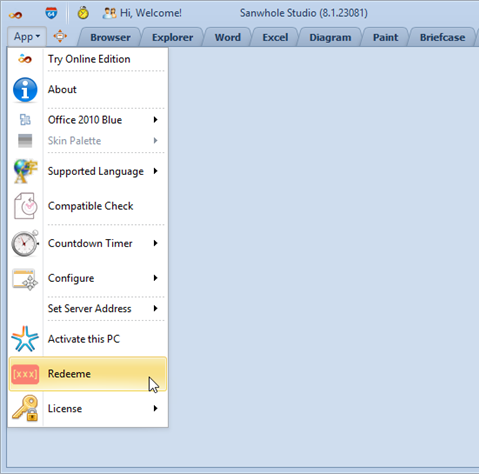
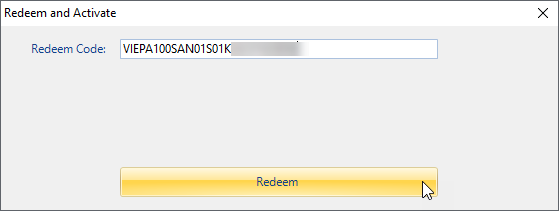
Click Sanwhole Studio the top left ‘App’ button and select Redeem submenu. Enter the redeem code in the pop-up window and click ‘Redeem’ button to activate the PC online
Enter redeem code, your email, full name and password then click Redeem button.
Step 5. Done.
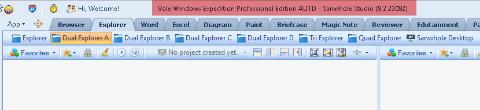
Select the top menu to the software and check if the software title is no longer a free version.
Note: The entire activation process requires internet access.
Step 1. Must install latest Sanwhole Studio software or cannot activate.
Manually uninstall Sanwhole Studio older version and download the latest version here https://sanwhole.com/Home/Download.
Step 2. Download ‘Sanwhole Promotes Passbooks’ vmc file.
Search Passbooks at the top list in the page and click the download link to download the vmc file.
Step 3. Unlock the vmc file to get redeem code.
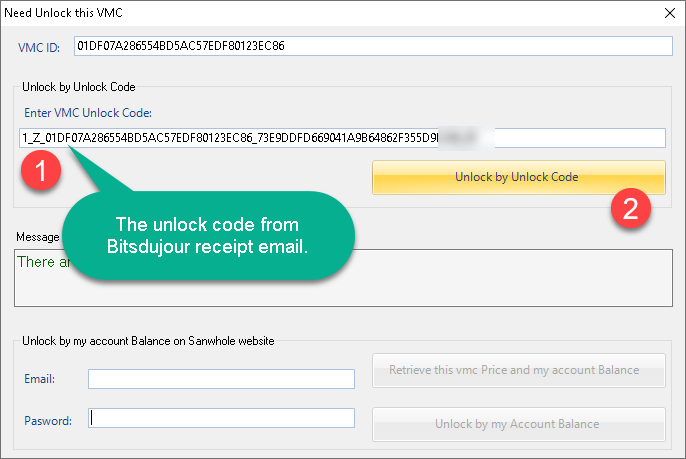
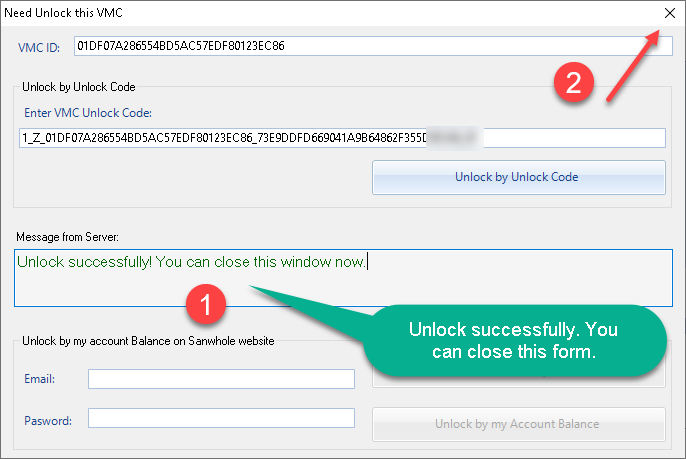
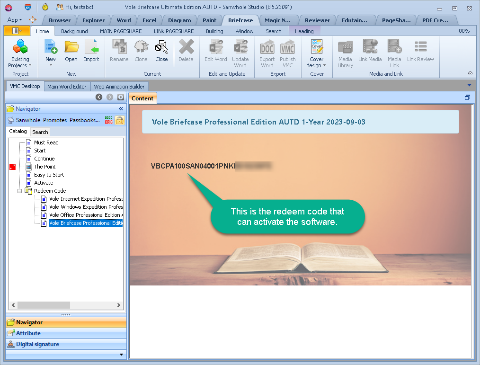
Double click “Sanwhole Promotes Passbooks.vmc” file, Sanwhole Studio software will automatically open it. When asked about the vmc unlock code, enter the code from BDJ receipt email and click the unlock button. If the online unlocking is successful, you can read the vmc and get the software license code in it.
Step 4. Online activate.
Click Sanwhole Studio the top left ‘App’ button and select Redeem submenu. Enter the redeem code in the pop-up window and click ‘Redeem’ button to activate the PC online. Please note: You cannot use the vmc unlock code (more than 64 chars) to redeem. You must do step 2 and 3 to get the redeem code (less than 32 chars);
Enter giveaway redeem code, display as follows:
Step 5. Done.
Check if the software title is no longer a free version.
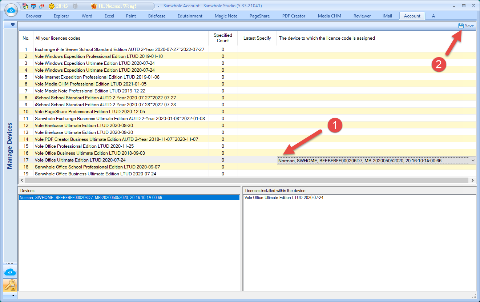
Deleting the license code from one computer and assigning it to another computer is called license code transfer. Each license code supports up to 5 transfers.
When you redeem purchase code, software will automatically specified the license to current device.
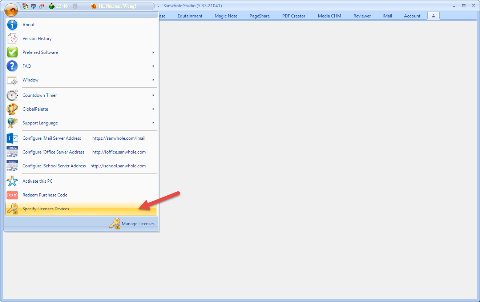
Click the “The device to which the license code is assigned” column, it will show a dropdown list that include all your devices. Select one and click out of the column, the Save button will be enabled.